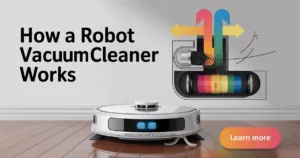
Choosing the right robotic vacuum cleaner for your home can make daily cleaning easier and more efficient. With so many models offering smart features, voice commands, and auto empty options, finding the best one requires understanding your cleaning needs and flooring types.
A good robot vacuum not only removes fine particles and pet hair but also supports multiple cleaning modes and returns automatically to charge when the battery life runs low.
Step-by-Step Guide to Choosing the Right Robotic Vacuum Cleaner
1. Understand Your Flooring Types
Start by assessing your flooring types before selecting a robotic vacuum cleaner. If your home has hardwood floors, tiles, or carpets, look for a model that adjusts its suction power and brush type automatically. Some vacuums perform better on smooth floors, while others handle thick carpets and rugs with ease.
Choosing the right model ensures consistent cleaning sessions without missing spots.
2. Evaluate Suction Power and Cleaning Performance
Suction power defines how effectively a vacuum performs during daily cleaning. A strong suction removes fine particles, dust, and pet hair from all surfaces. When comparing models, look for one that allows you to switch between multiple cleaning modes.
Higher suction settings are ideal for carpets, while gentle modes protect delicate flooring. A powerful robot vacuum saves time and delivers deeper cleaning across every area.
3. Explore Smart Features and Smart Home Integration
Modern robot vacuums offer smart features that simplify your cleaning routine. Many models connect with smart home systems and support voice commands through Alexa or Google Assistant.
You can start, pause, or schedule cleaning sessions without lifting a finger. Smart mapping technology helps the vacuum learn your home layout, detect obstacles, and clean specific zones efficiently.
4. Check Battery Life and Automatic Charging
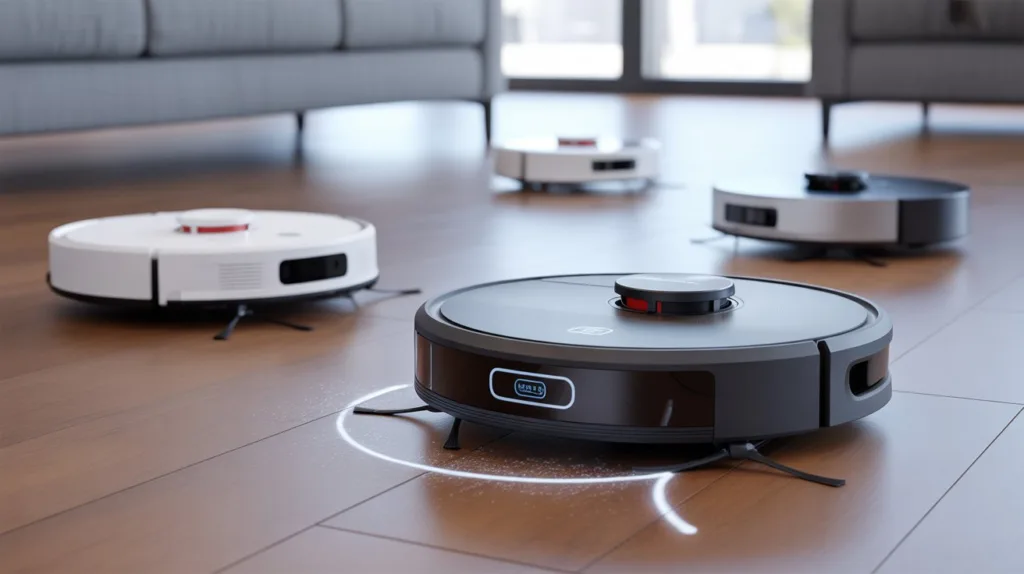
Battery life plays a key role in how well your robot vacuum performs during long cleaning sessions. Choose a model that runs for at least 90 to 120 minutes on a single charge.
Most advanced robotic vacuums automatically return to their charging dock when the battery runs low, recharge, and then resume cleaning. This feature ensures continuous operation without user intervention.
5. Look for Auto Empty and Easy Maintenance Options
A robotic vacuum cleaner with an auto empty station saves you from manually clearing dustbins after every run. These stations automatically transfer collected debris into a larger container, making daily cleaning more convenient. Choose a model with washable filters and easily detachable brushes for simple maintenance.
6. Compare Cleaning Modes and Multiple Cleaning Options
Different models offer multiple cleaning modes to adapt to various flooring types and cleaning needs. Options like spot cleaning, edge cleaning, and automatic mode ensure thorough performance. Select a vacuum that allows customization for specific rooms or high-traffic areas to enhance overall efficiency.
7. Consider Your Budget and Smart Connectivity
Price often reflects the number of smart features and performance capabilities a robotic vacuum cleaner offers. Budget-friendly options handle basic floor cleaning, while premium models include smart mapping, voice control, and auto empty functions. Match your choice with your home’s size, flooring variety, and lifestyle preferences to get the best value.
8. Common Mistakes
- Ignoring suction power and choosing a weak vacuum for carpets.
- Forgetting to check if the vacuum supports your smart home system.
- Selecting a model with poor battery life for larger spaces.
- Overlooking the auto empty feature for easier maintenance.
- Not considering how multiple cleaning modes affect cleaning performance.
Explore the latest and bestselling robotic vacuum cleaner deals on Amazon and find a model that fits your smart home setup and daily cleaning needs.
9. FAQs
How much suction power should I look for in a robot vacuum?
Look for at least 2000 Pa suction power for general cleaning, and higher for carpets or homes with pets.
Can I control my robot vacuum with voice commands?
Yes, most advanced models connect with Alexa or Google Assistant for easy voice control.
What is the benefit of an auto empty station?
It automatically transfers dust and debris from the vacuum to a larger bin, reducing manual maintenance.
How long does the battery life usually last?
Most robotic vacuums last between 90 and 150 minutes per charge, depending on the model and cleaning mode.
Can one vacuum handle multiple cleaning modes?
Yes, many models include multiple cleaning modes for different flooring types and cleaning requirements.